
AI interior design app · iOS & Android · v3.3.2
Snap a photo of any room. Pick a style. DecorAI returns a realistic before-and-after redesign in seconds — so you can try a new look before you spend a cent on paint, furniture or a renovation.


Style applied
Warm modern coastal
Generated in
12 seconds
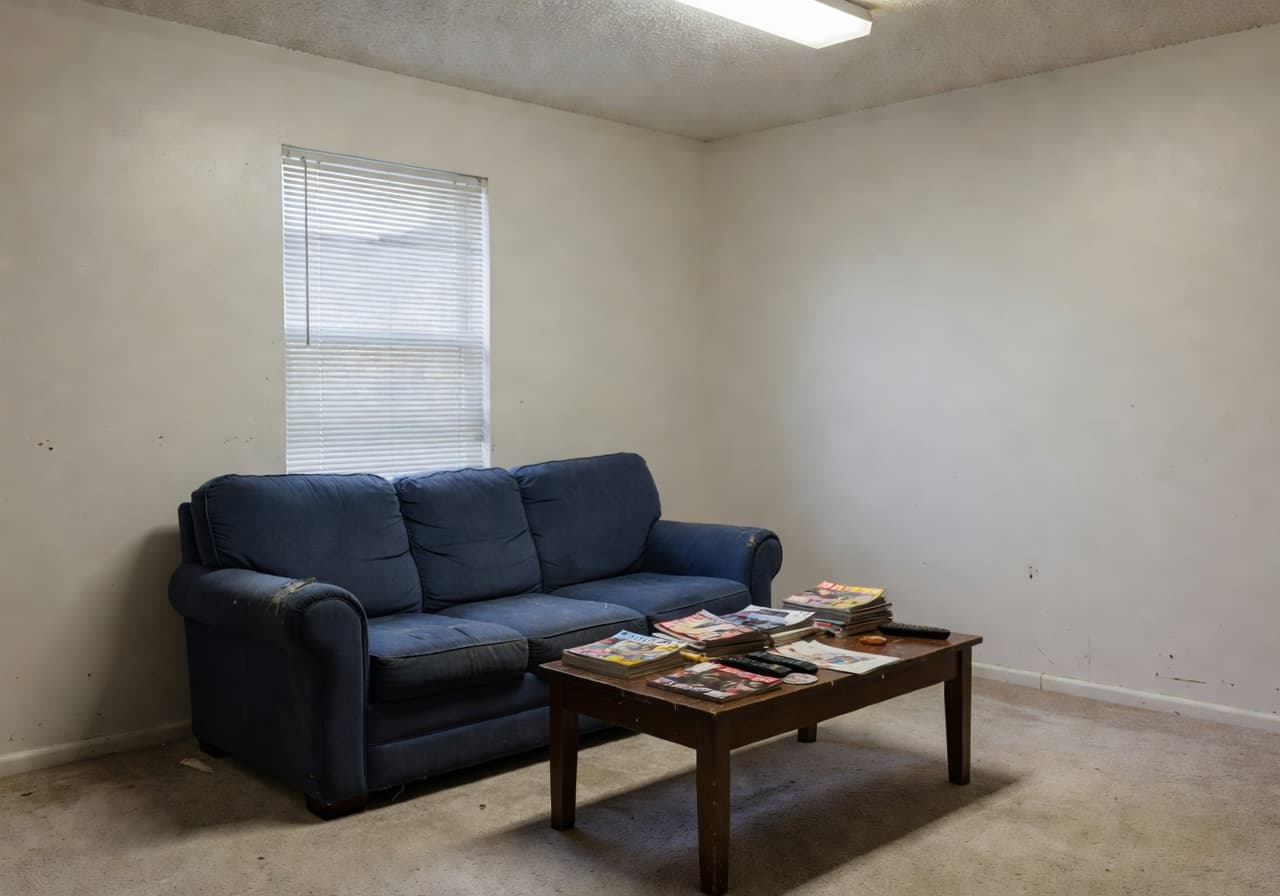
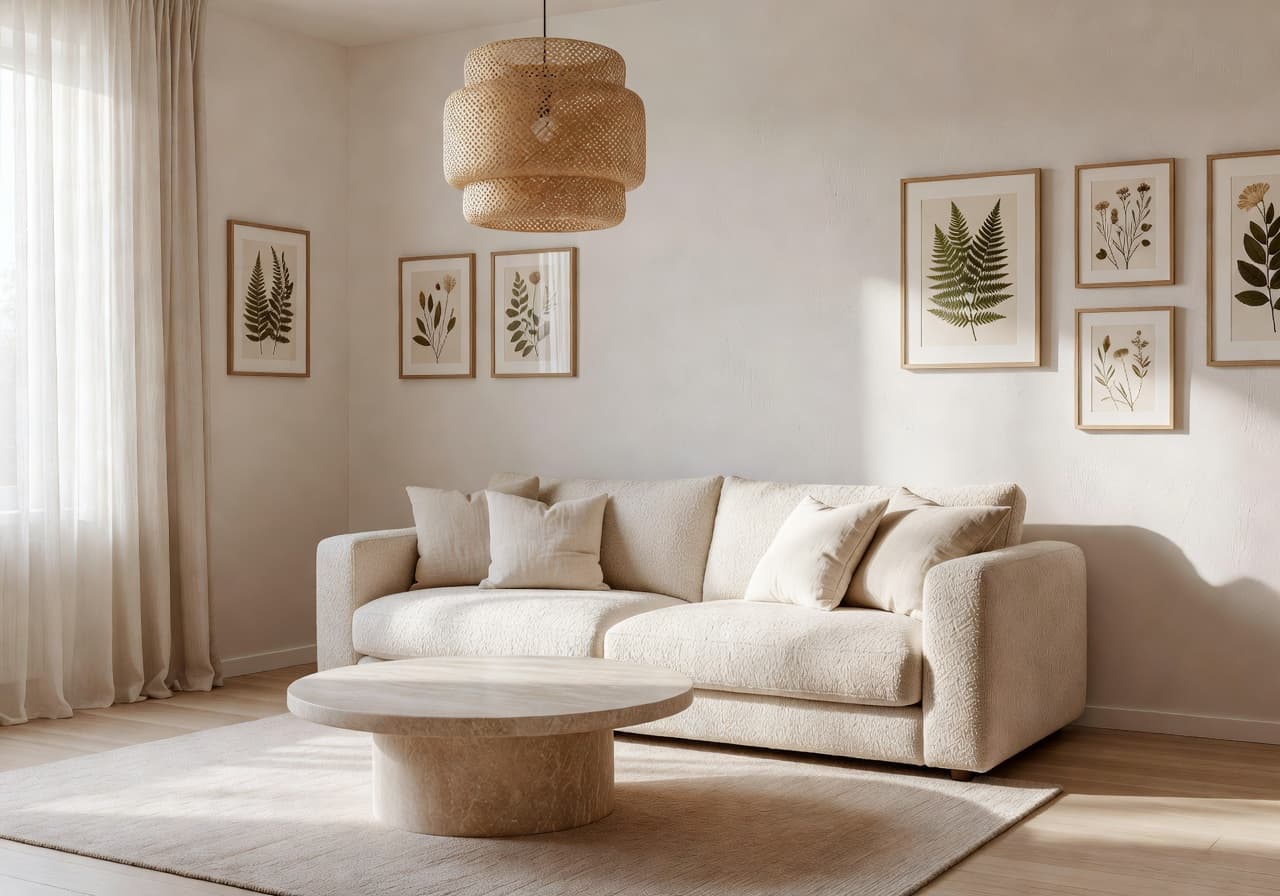
Drag the slider to see what DecorAI does with a real room. The walls, window and ceiling height stay yours — only the design changes.
AI room makeover gallery
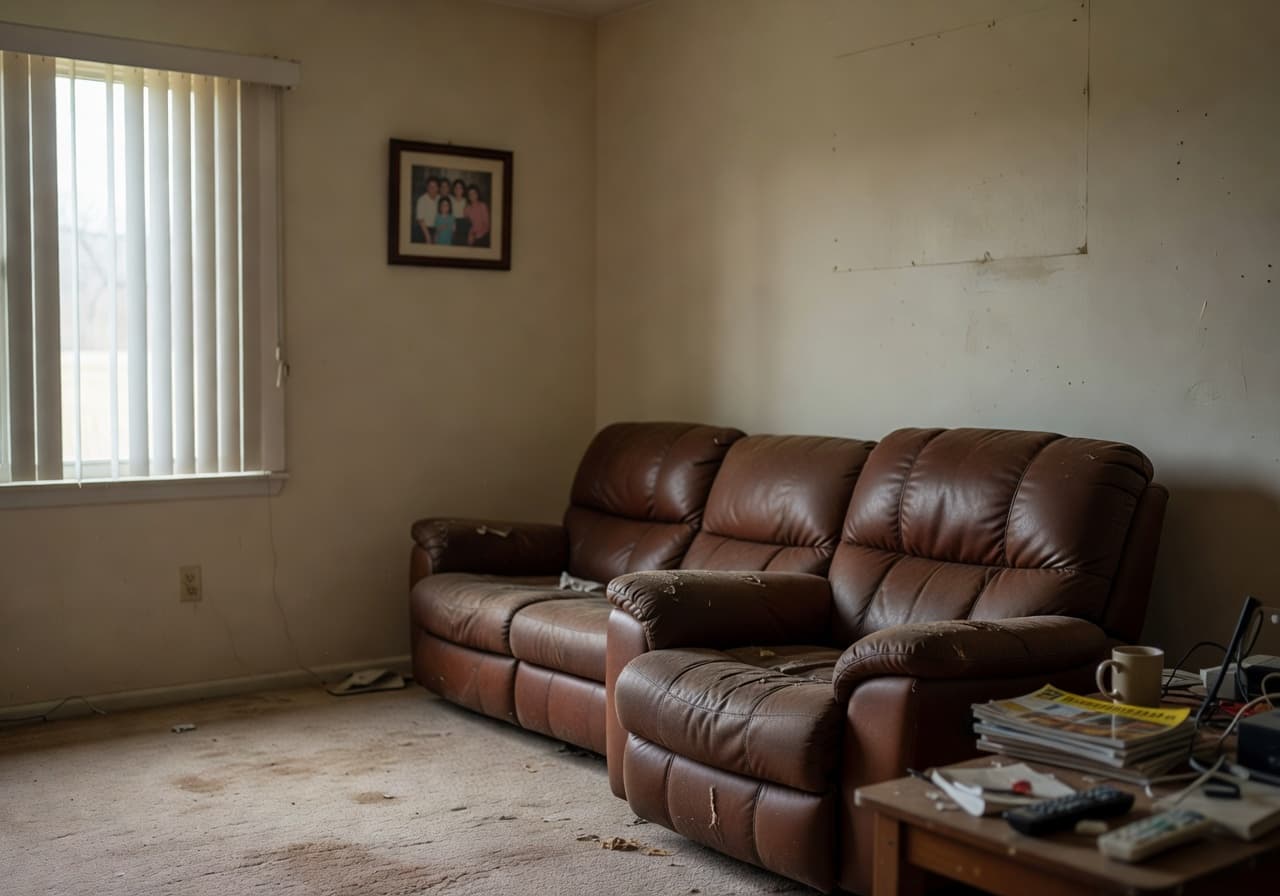
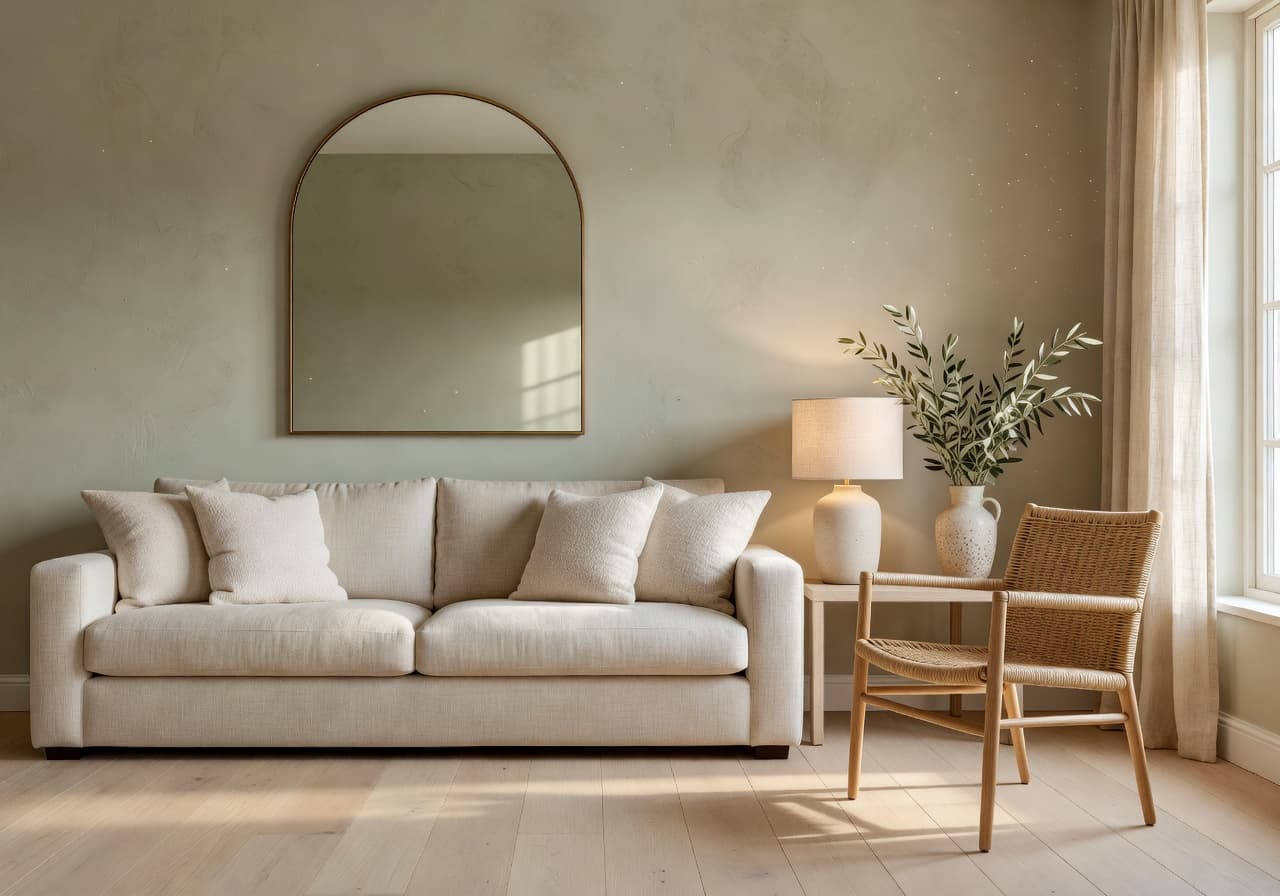
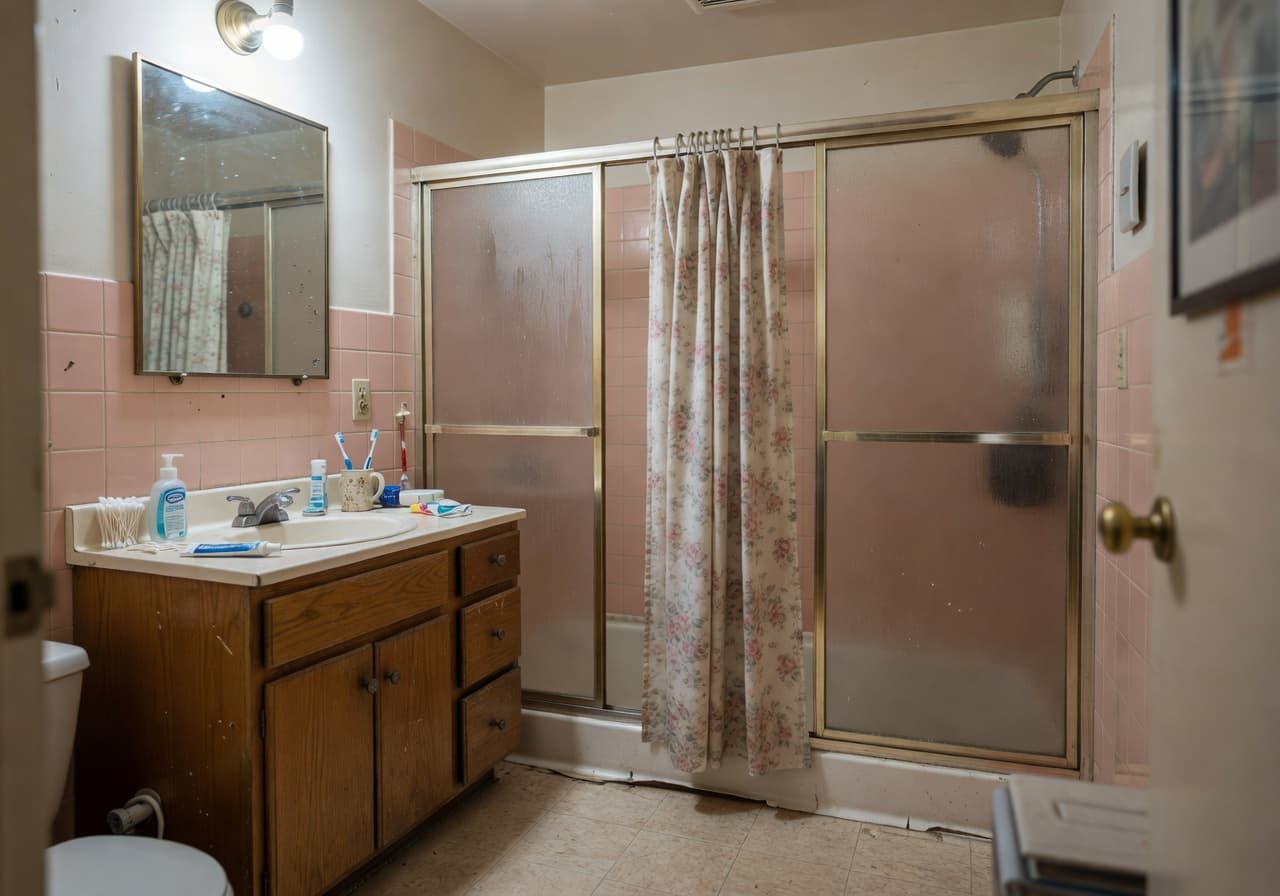
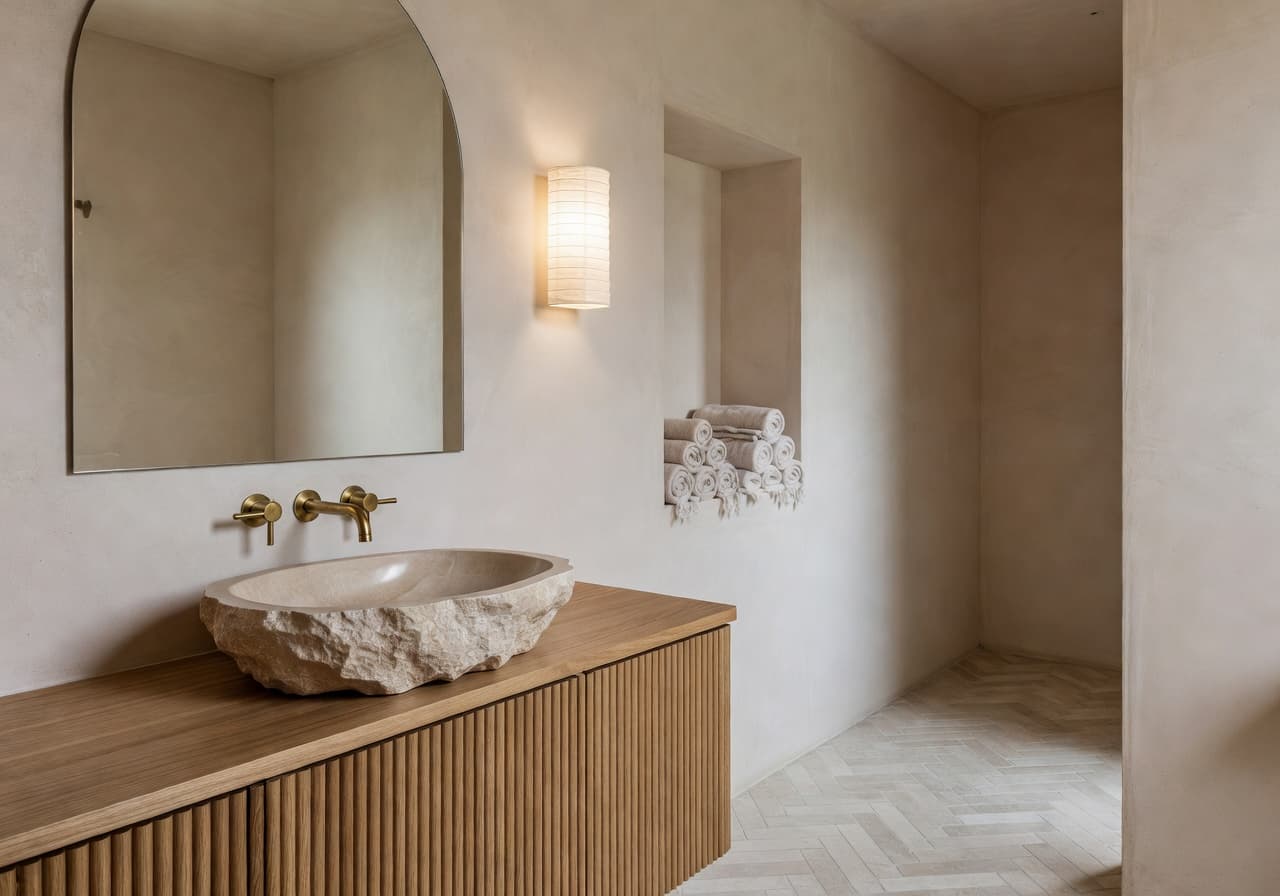
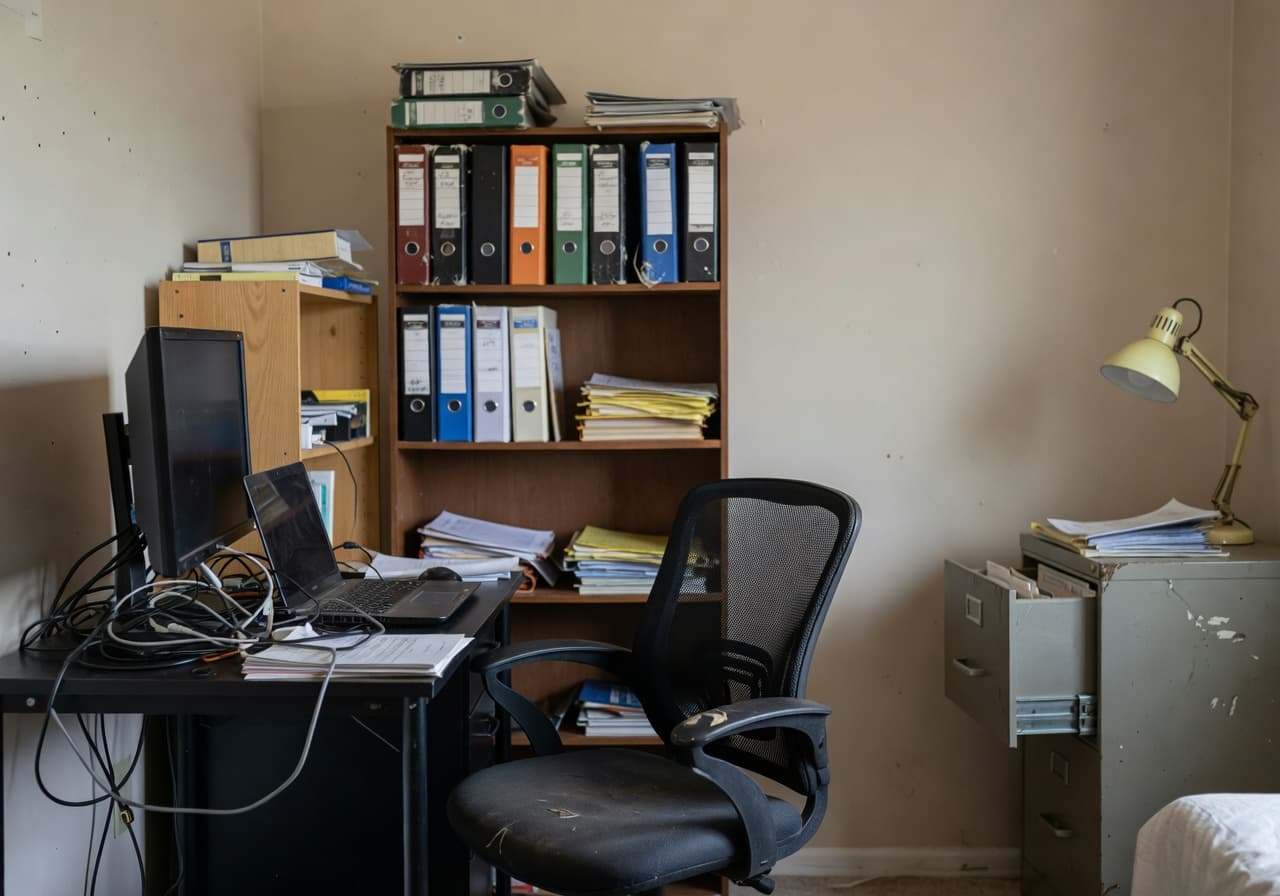
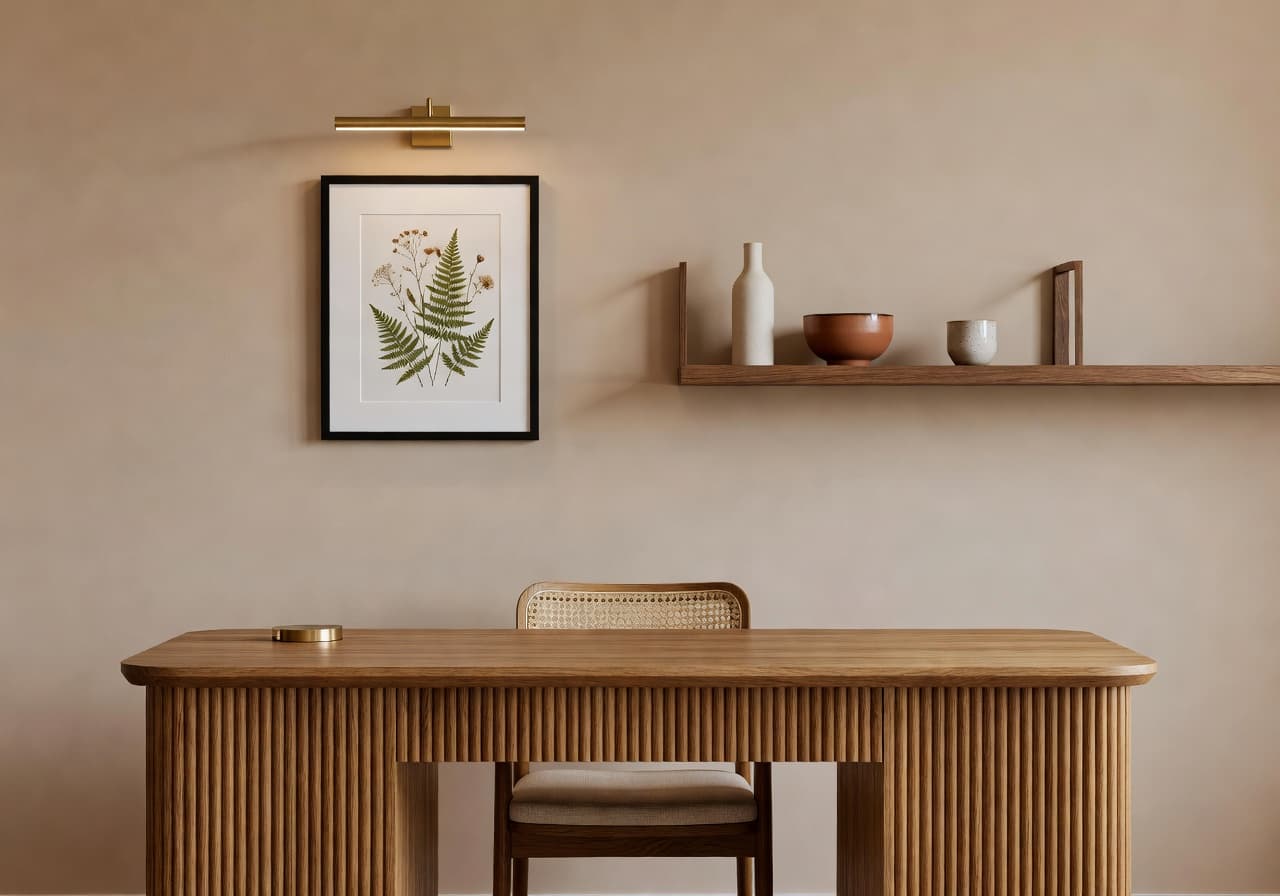
Every redesign below started as a single phone photo of a real, slightly tired room. DecorAI keeps the architecture honest and rewrites everything else — walls, lighting, materials, furniture — in the style you choose.
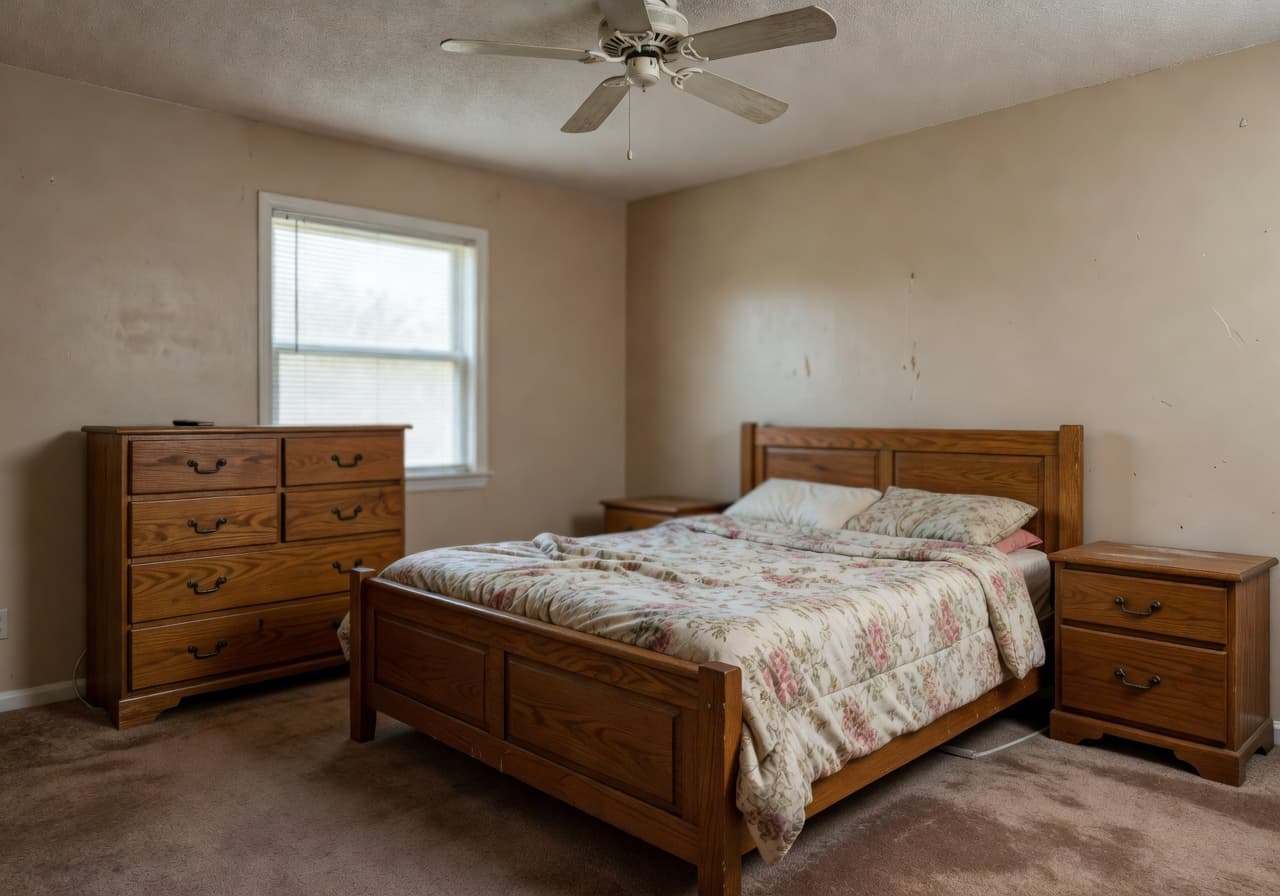
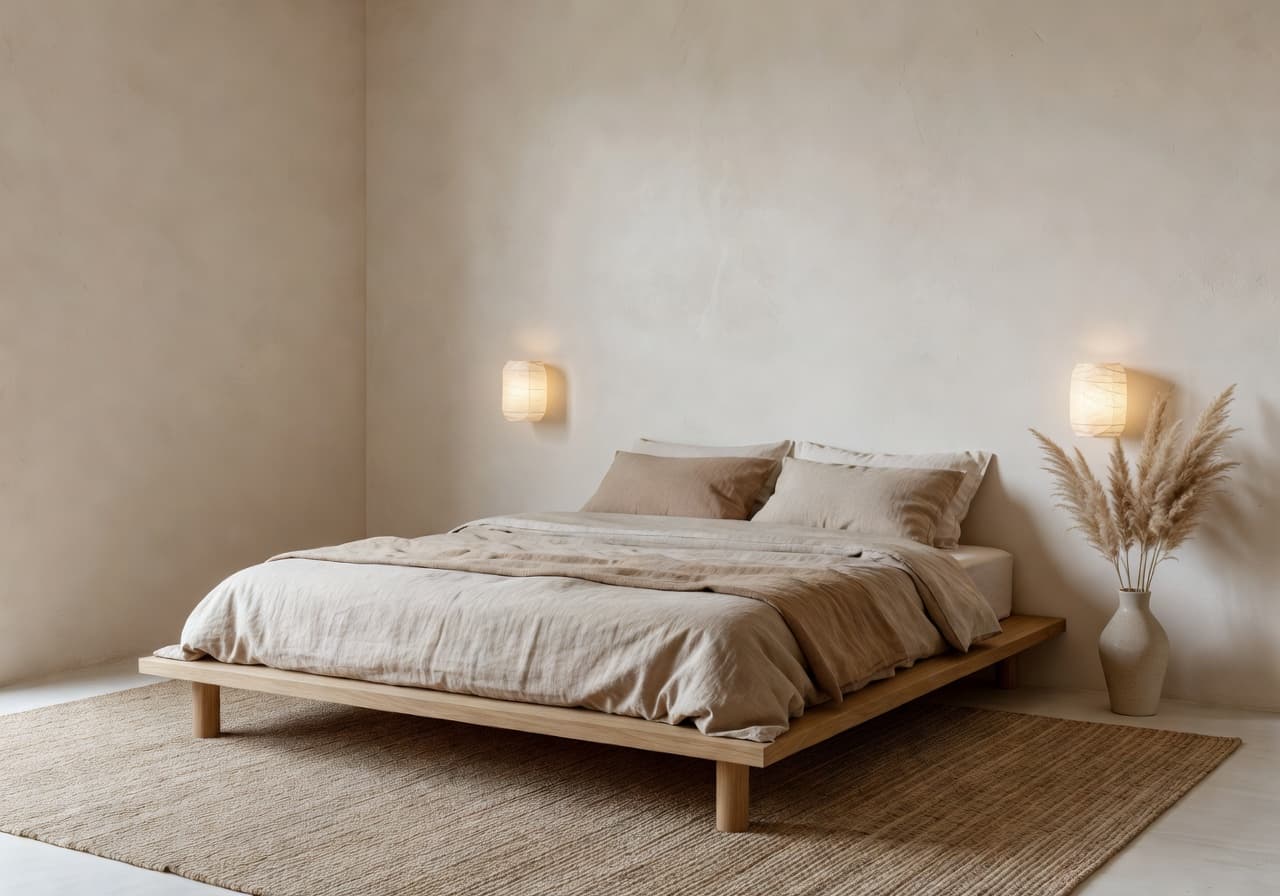
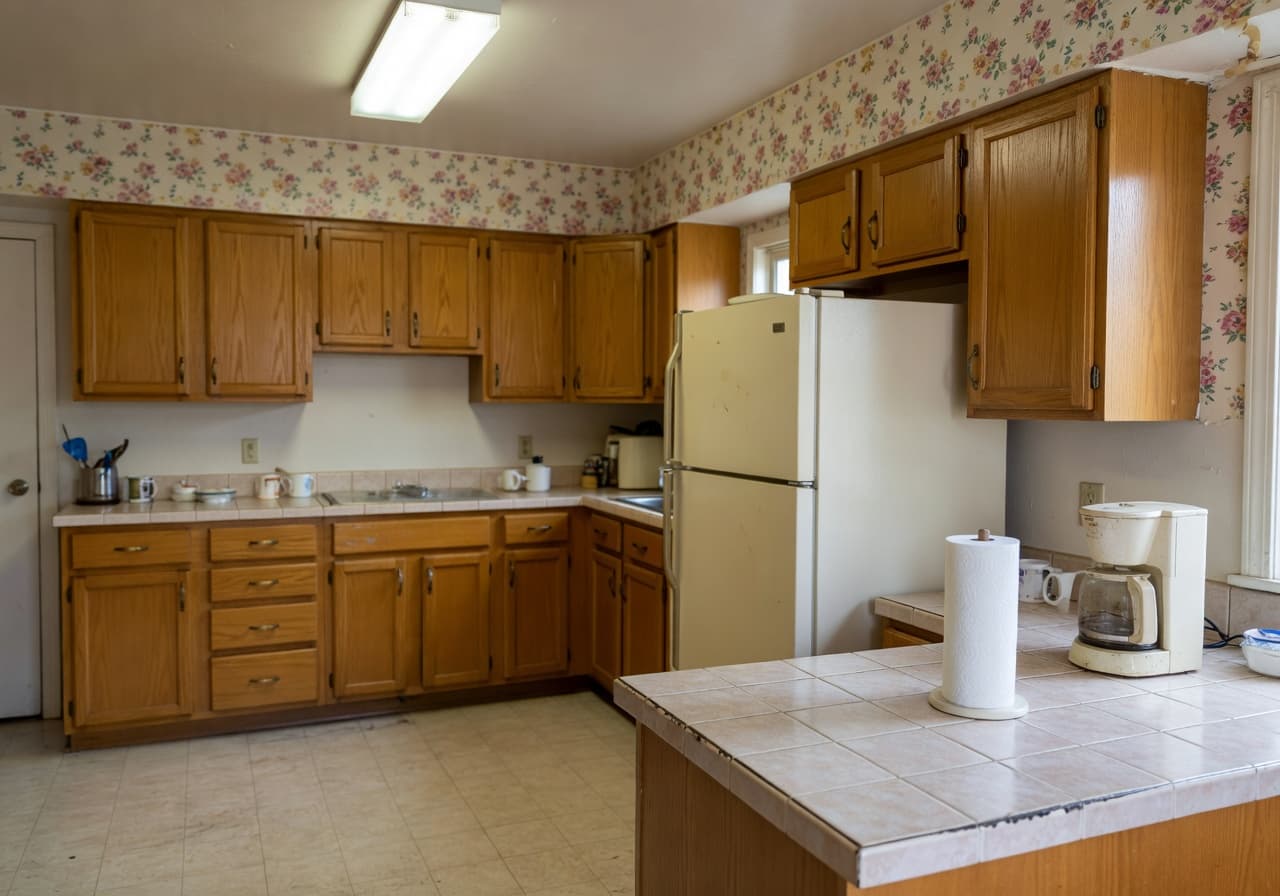
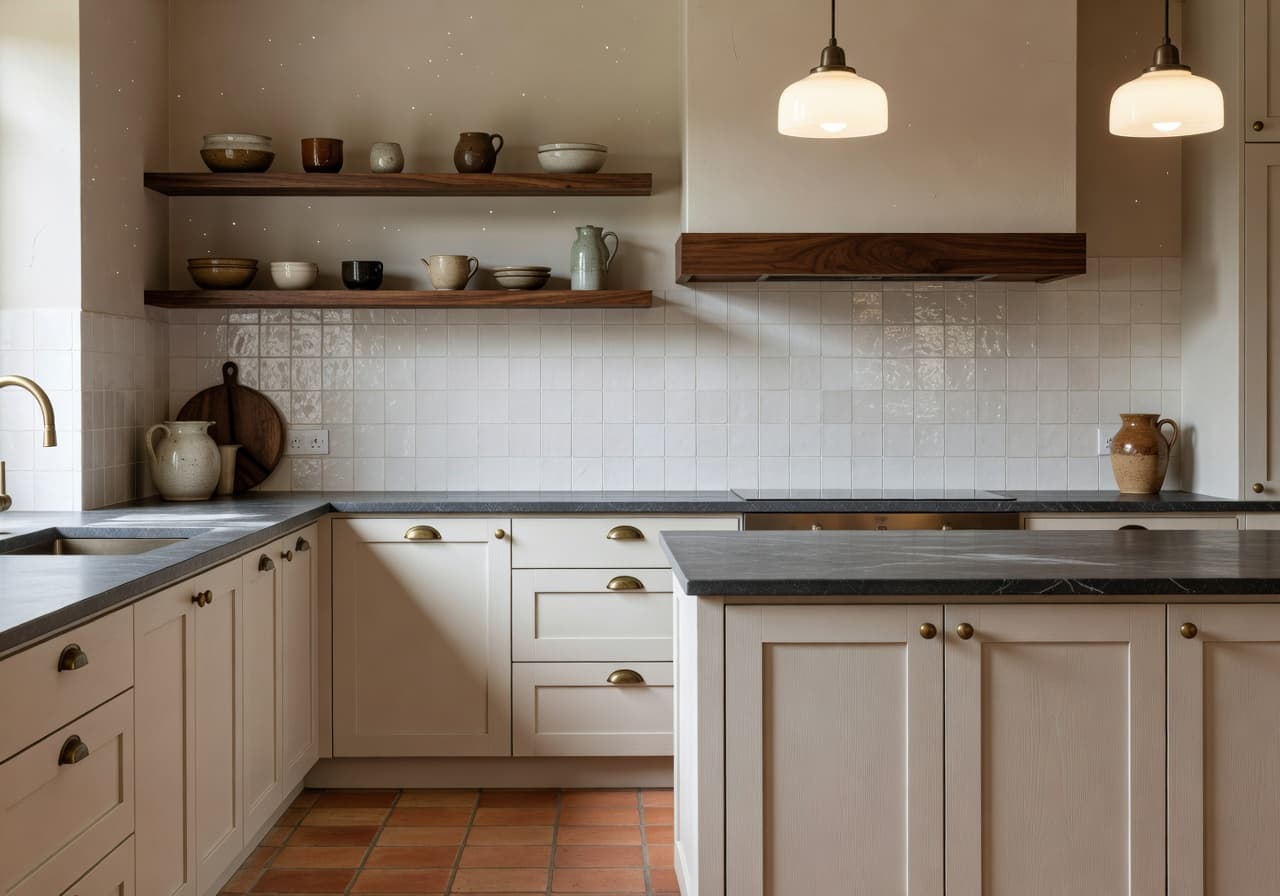
Why people choose DecorAI
Most AI design generators invent a new room. DecorAI redesigns the room you already have — so the inspiration is something you can act on this weekend.
Redesign rooms in seconds
A real photo becomes a realistic AI room concept in under 15 seconds.
No design experience required
Tap a style, get a finished render. The AI interior designer does the heavy lifting.
Try multiple styles instantly
Compare modern, Scandinavian, japandi, boho and luxury directions side-by-side.
Test ideas before buying furniture
See the room with the new sofa, paint and rug before you spend.
Inspiration from your real room
Not a Pinterest stranger’s apartment — your walls, your windows, your light.
Built for mobile, used everywhere
A tidy iPhone and Android workflow you can pull up at the showroom.
How the AI interior design app works
Open DecorAI and upload one well-lit photo of the room you want to redesign — living room, bedroom, kitchen, bathroom or home office.
Pick from modern, Scandinavian, japandi, boho, coastal, luxury, industrial and more. Try several — the redesigns are non-destructive.
In seconds you get a photorealistic AI redesign of your space. Save the ones you love, compare options, share with a partner.
Core AI interior design features
Room photo upload
Send any phone photo straight into the AI interior design generator.
AI-powered redesign
A photorealistic engine tuned for interiors, not generic image models.
Multiple interior styles
A growing library of styles — from minimalist to luxury to japandi.
Realistic room concepts
Materials, lighting and proportions that read like a finished editorial photo.
Save and compare results
Pin your favorite renders and weigh two directions in one tap.
Easy sharing
Send a before-and-after pair to your partner without leaving the app.
Mobile-first workflow
Designed for a phone in your hand, in the showroom, on the couch.
Fast inspiration for any space
AI design ideas for living rooms, bedrooms, kitchens, bathrooms and more.
Privacy-respecting uploads
Your room photos are processed for your renders, not used to train public models.
AI interior style gallery
From quietly modern to softly bohemian — DecorAI lets you try interior styles on your actual room. Tap a style to see how the AI interior designer interprets your space.

Style 01
Sculptural calm, warm taupe and travertine.
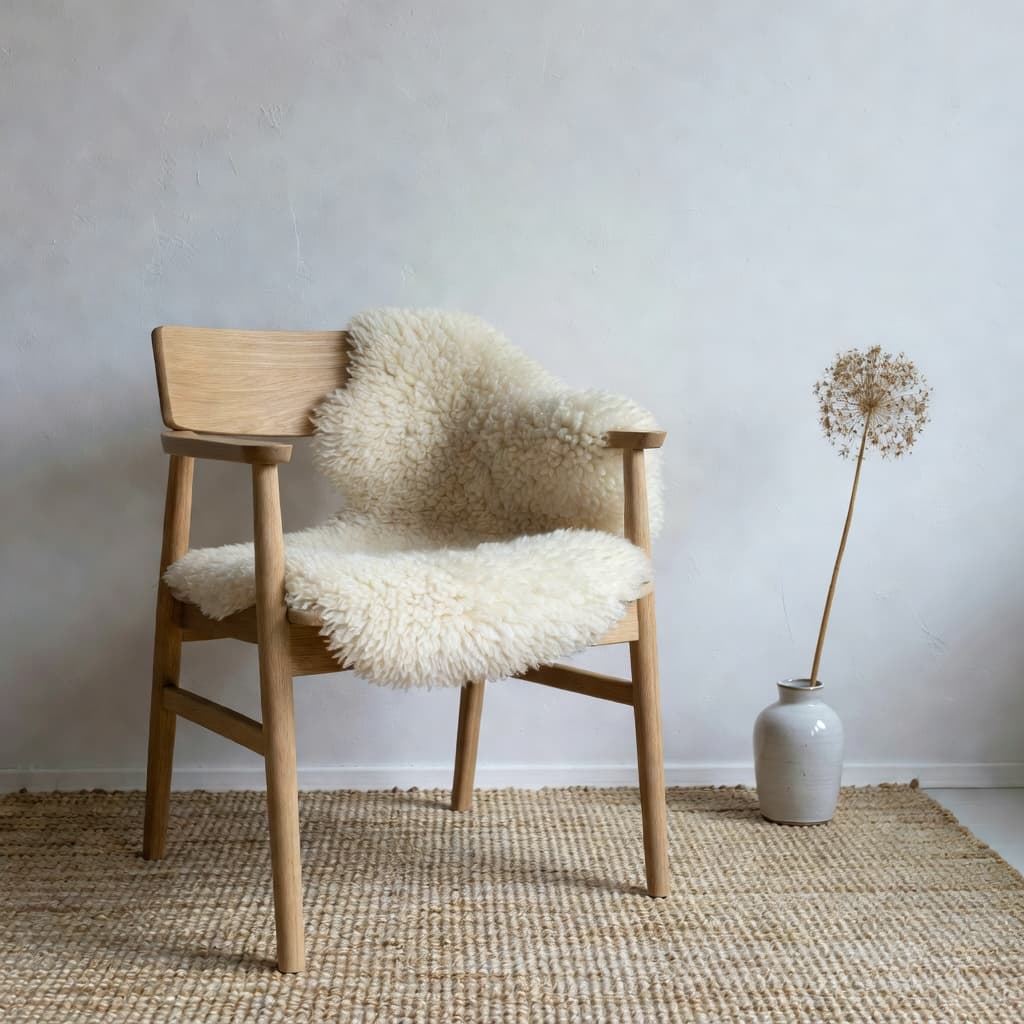
Style 02
Pale oak, chalky whites, north-facing daylight.
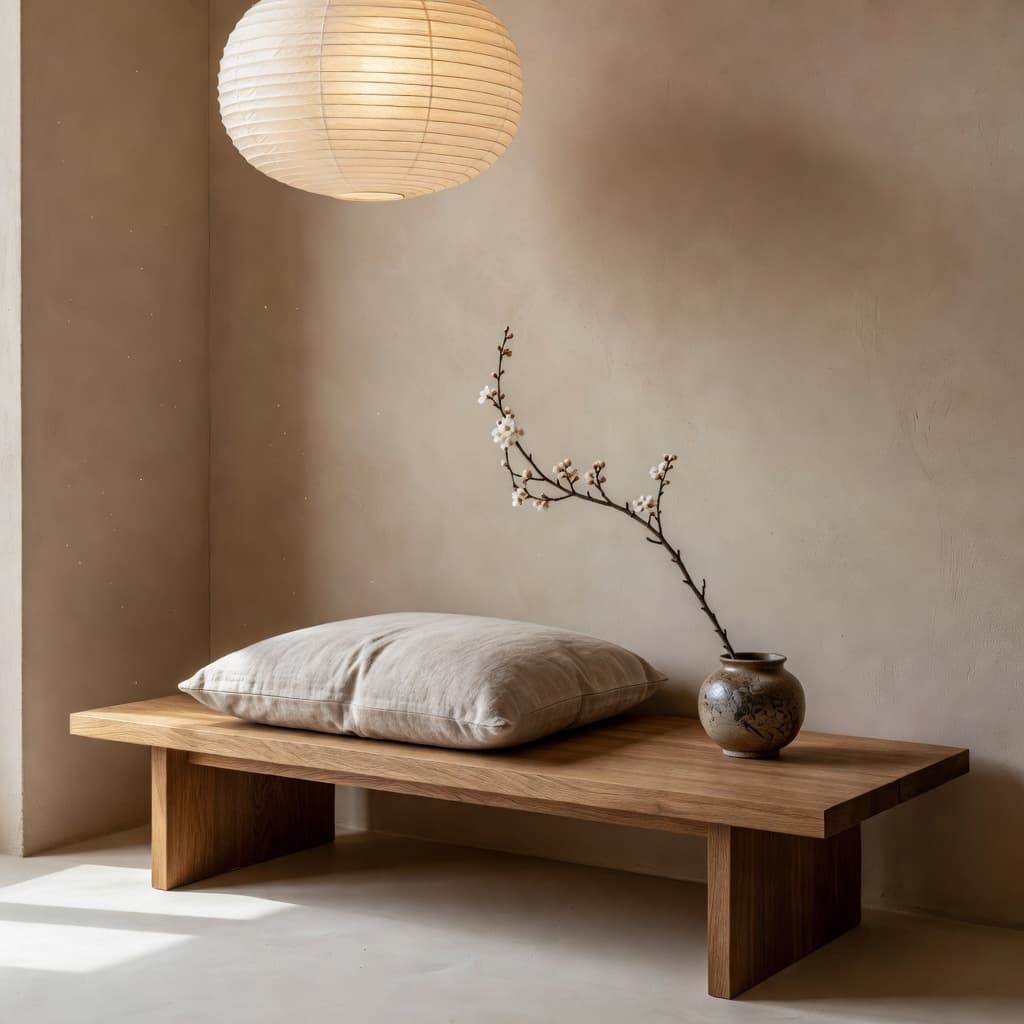
Style 03
Low horizontals, washi paper, hushed clay.
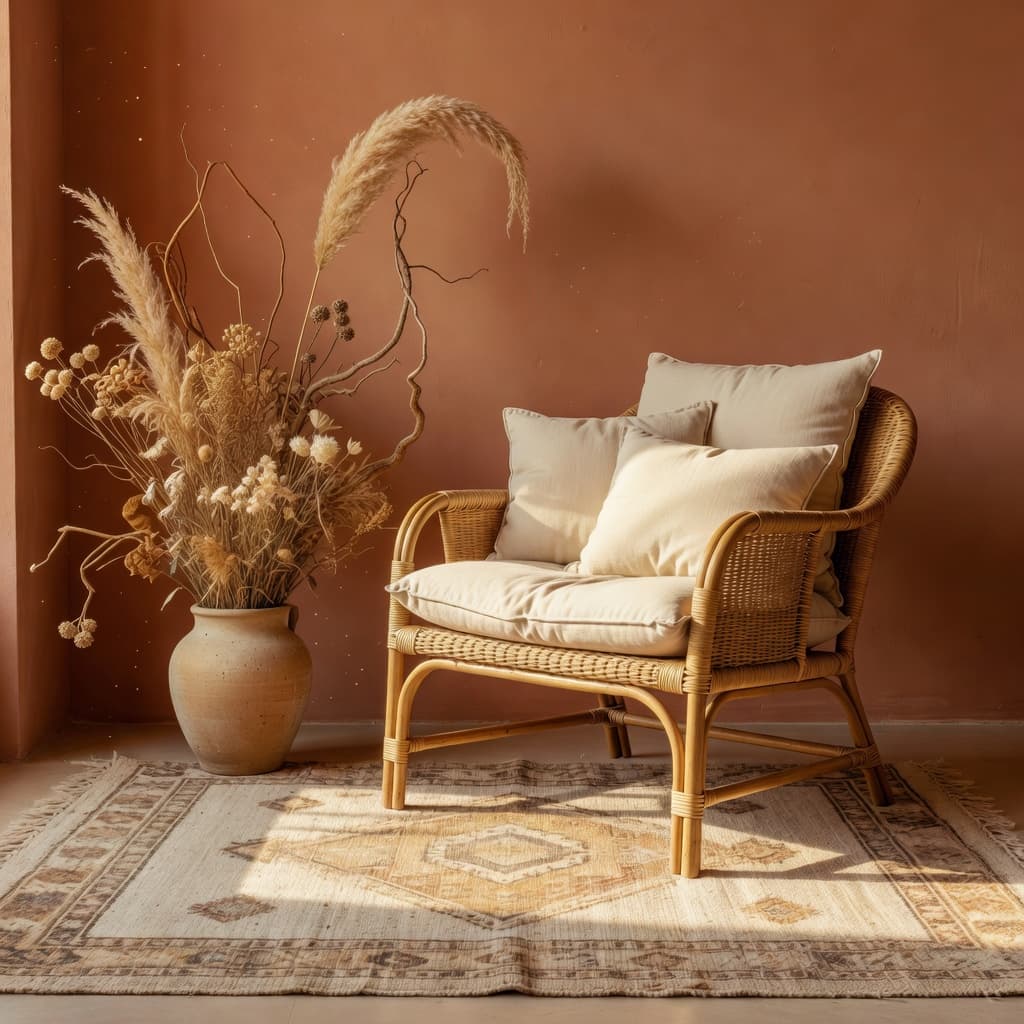
Style 04
Hand-loomed textures and golden-hour warmth.
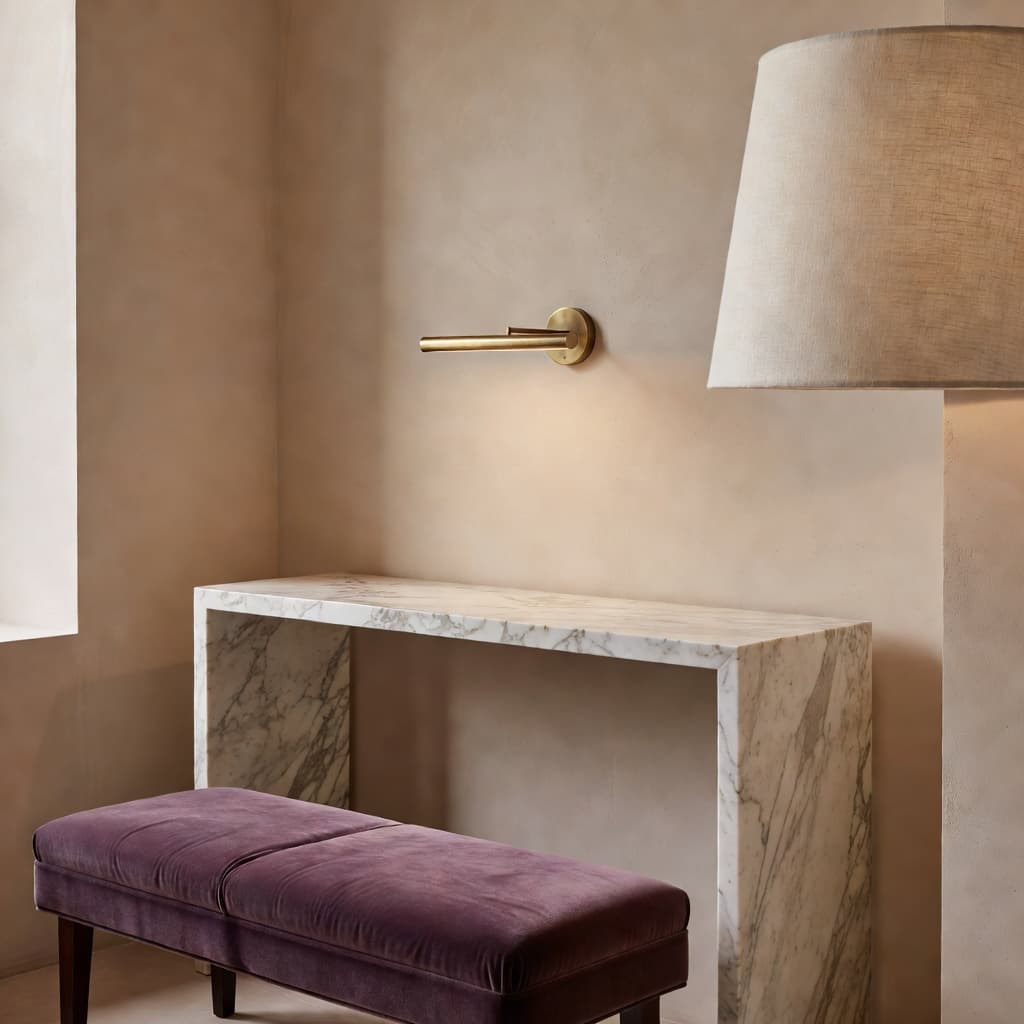
Style 05
Honed marble, brass picture lights, restraint.
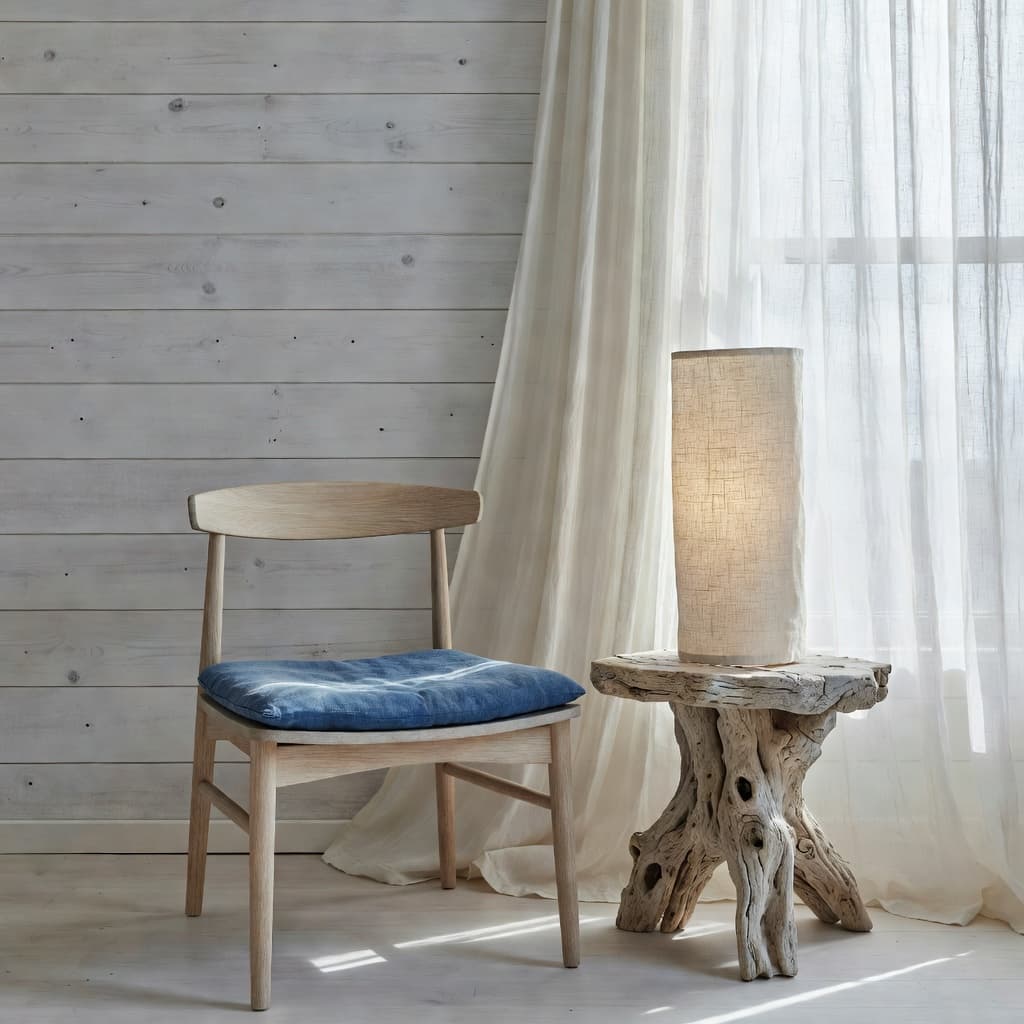
Style 06
Bleached oak, faded indigo, salt-air light.
Room-by-room AI redesign
The AI room design model preserves your real layout — the position of the window, the ceiling height, the doorway — so the redesign feels like an answer, not a swap.
Living rooms
AI living room design from one photo.
Bedrooms
AI bedroom redesign with new bedding, lighting and walls.
Kitchens
AI kitchen design — cabinetry, counters, backsplash.
Bathrooms
AI bathroom remodel concepts in seconds.
Apartments
AI room design built for apartments and small layouts.
Studios
Studio redesigns that respect your real footprint.
Dining rooms
Dining room makeovers with mood and material.
Home offices
AI home office design that calms your workspace.
Use cases for AI interior design
Planning a calm room refresh
Test paint, lighting and decor on a real room before committing to a single change.
Trying new decor styles
Move from boho to japandi to modern coastal in three taps — see what really suits you.
Exploring ideas before buying furniture
Visualize the new sofa or rug in your space so showroom decisions get a lot easier.
Preparing for a renovation
Use AI renovation previews to align with your contractor or partner before quotes.
Comparing two directions side-by-side
Save a Scandinavian and a luxury version of the same room; pick the one that feels right.
Sharing concepts with someone you live with
Send before-and-after pairs in a tap so the conversation starts with a picture, not a debate.
What home redesigners say
“I have stared at my living room for ten years and never knew what to do with it. Three styles later I finally booked the painter.”
Linda · Vancouver, BC
“I uploaded a photo of our kitchen on a Sunday afternoon and had a soapstone-and-brass version in under a minute. My husband actually said yes.”
Patricia · Austin, TX
“I use it the way I used to use Pinterest, except now the inspiration is my own room and the design feels achievable.”
Helen · Manchester, UK
Frequently asked questions
If you've ever asked Google "is there an AI interior design app?" or "can I redesign my room from a photo?" — these are the answers people most often want.
Download DecorAI
Download DecorAI on the Apple App Store or Google Play, take one photo of any room, and start your redesign in under a minute. Free to install. Works on iPhone, iPad and Android.
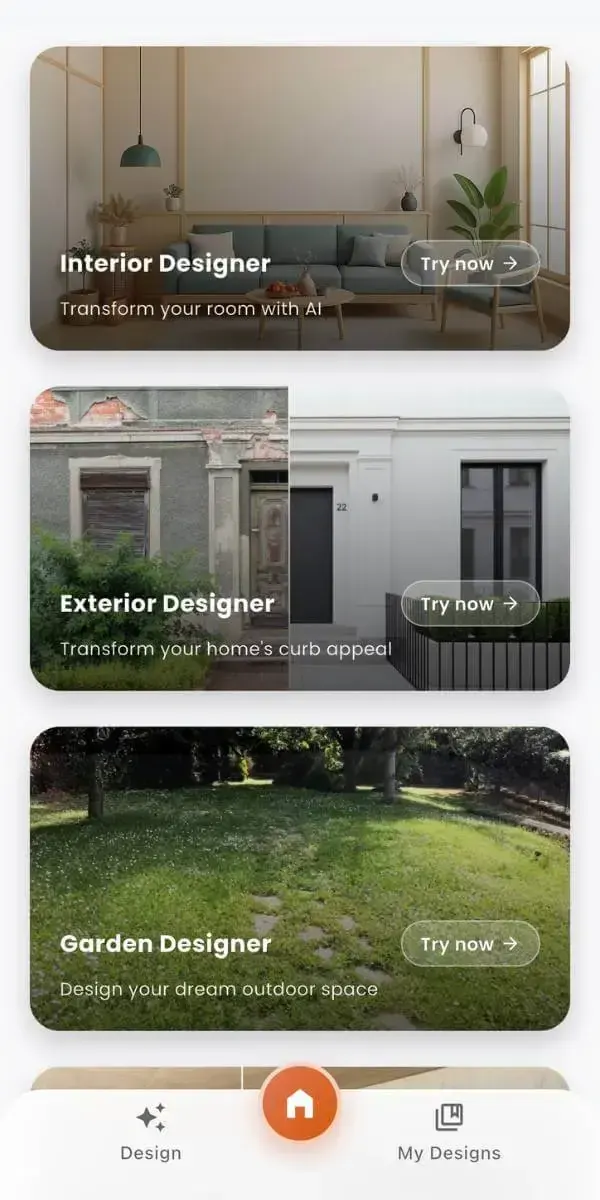
Now rendering
Modern coastal · Living room
Photo to design
12s · Photoreal